
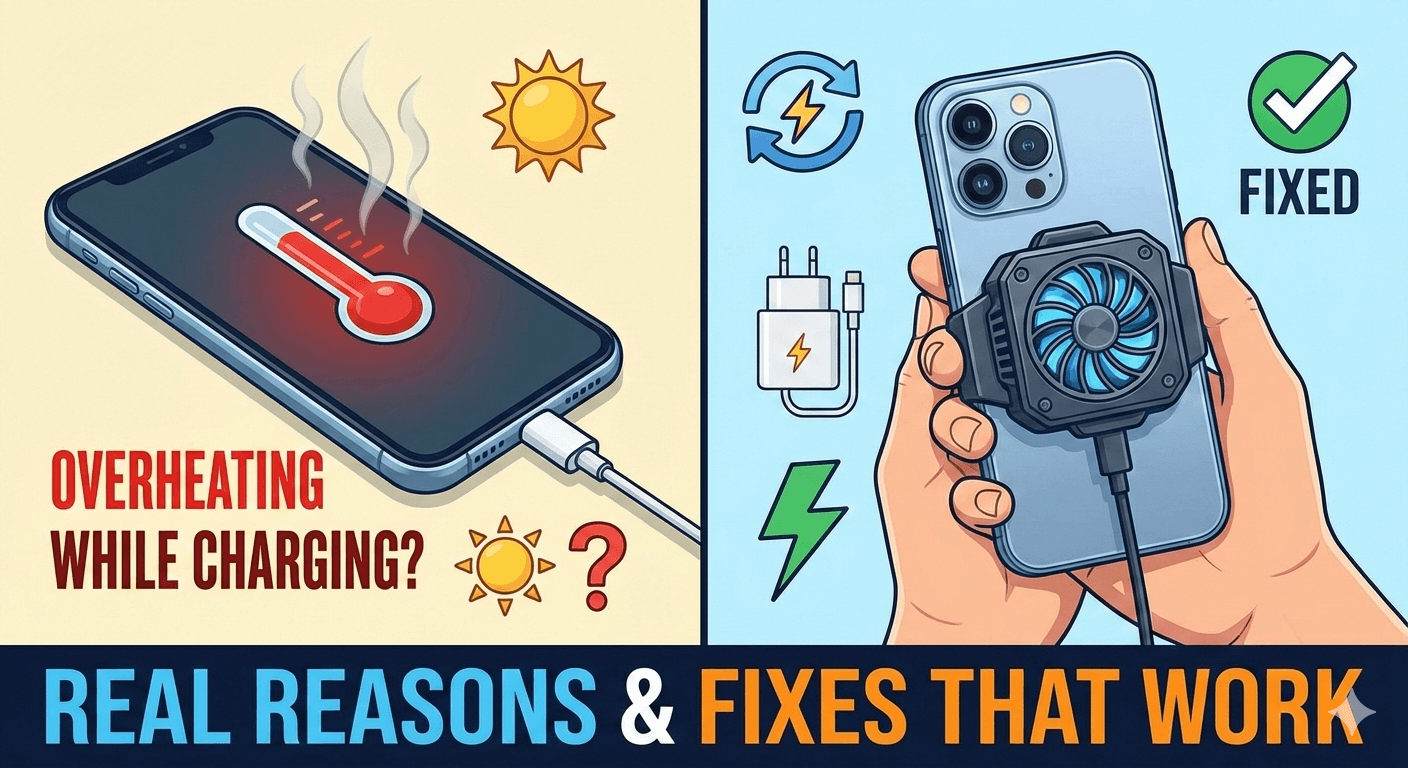
If your Android phone heats up while charging, you’re not alone. Many users notice their phone becoming unusually warm or even hot when plugged in, especially during fast charging. This can be worrying, as overheating affects battery health and overall phone performance.
I personally noticed this issue while charging my phone overnight and again during fast charging in the daytime. After checking charger quality, background apps, and charging habits, I was able to reduce overheating significantly without replacing the phone or battery.
In this article, I’ll explain why Android phones overheat while charging and share practical fixes that actually work.
Is It Normal for a Phone to Heat While Charging?
A slight increase in temperature is normal because:
- Power is flowing into the battery
- Battery chemical reactions generate heat
- Fast charging increases power intake
However, excessive heating is not normal and needs attention.
Common Reasons Android Phones Overheat While Charging
1. Fast Charging Technology
Fast charging pushes more power into the battery, which generates more heat.
2. Poor Quality or Damaged Charger
Non-original or low-quality chargers often cause overheating.
3. Using Phone While Charging
Gaming, video calls, or watching videos while charging increases heat.
4. High Ambient Temperature
Charging in hot environments traps heat inside the phone.
5. Background Apps and Processes
Apps running in the background increase CPU load during charging.
Fixes That Actually Work
Method 1: Stop Using the Phone While Charging

This was the biggest fix for me.
- Avoid gaming or streaming
- Let the phone charge while idle
- Lock the screen during charging
This alone reduces heat significantly.
Method 2: Use Original or Certified Charger
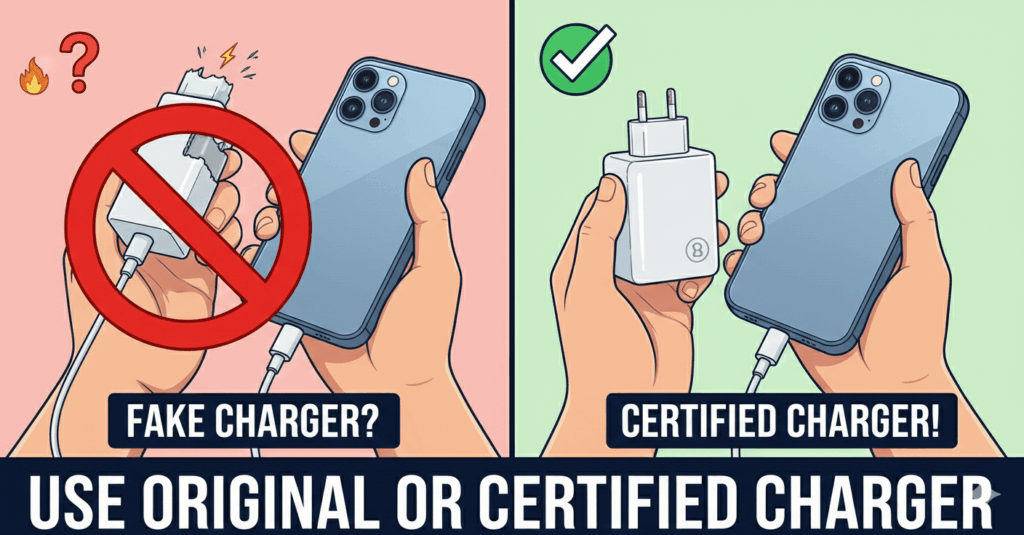
Always use:
- Original charger and cable
- Certified fast chargers
- Avoid cheap or damaged cables
Poor chargers are a major overheating cause.
Method 3: Remove Phone Case While Charging
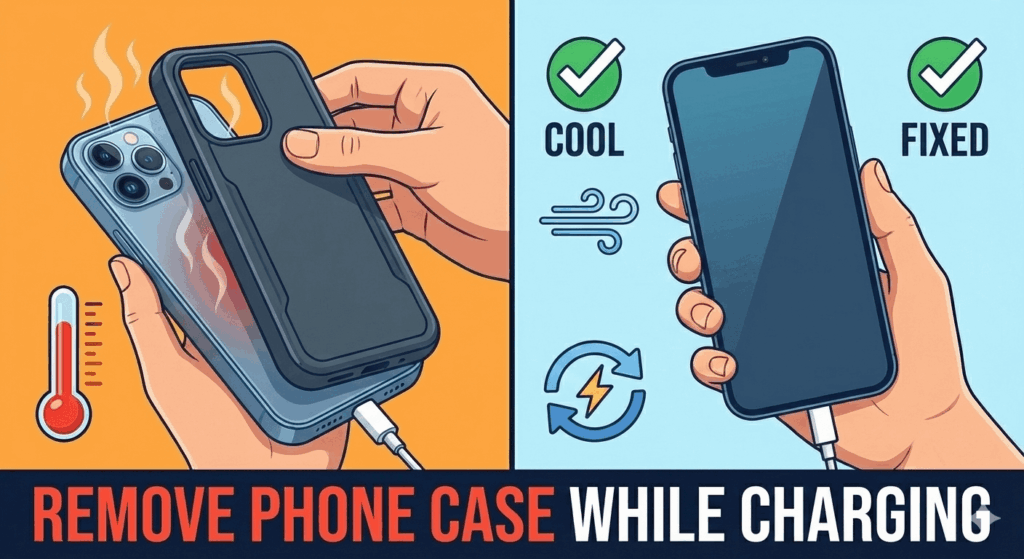
Some cases trap heat.
What helps:
- Remove thick or rubber cases
- Allow airflow around the phone
This helps heat escape faster.
Method 4: Turn Off Fast Charging (If Available)
Fast charging increases temperature.
Steps (may vary):
- Open Settings
- Go to Battery
- Disable Fast charging
Charging will be slower but cooler.
Method 5: Close Background Apps
Reduce CPU load while charging.
- Close unused apps
- Restart phone before charging
- Avoid background downloads
This keeps temperature under control.
Method 6: Charge in a Cool Environment
Avoid charging:
- Under direct sunlight
- On beds or sofas
- Near heat sources
Place phone on a flat, cool surface.
Method 7: Check Battery Health (Older Phones)
Older batteries heat up more.
If overheating is severe:
- Battery replacement may be required
- Especially if phone drains fast or swells
What You Should Avoid
- Charging overnight regularly
- Using power banks of unknown quality
- Covering phone while charging
- Ignoring repeated overheating warnings
These damage battery long-term.
FAQs
Does overheating damage battery?
Yes, repeated overheating reduces battery lifespan.
Is fast charging bad for battery?
Not directly, but it increases heat if not managed well.
Should I stop charging if phone feels hot?
Yes. Let it cool before continuing.
Can software updates cause heating?
Yes, temporarily due to background optimization.
Final Thoughts
If your Android phone overheats while charging, the issue is usually related to charging habits, accessories, or background activity—not a serious hardware fault.
From my experience, using the original charger and avoiding phone usage while charging reduced heating immediately. Small changes can make a big difference.

Vaishnav Singh is the founder and primary author of TechHary.com. Based in Mumbai, he brings hands-on professional experience to his writing, having worked extensively as a Windows expert within the IT industry. His practical background in solving complex technical issues fuels his passion for creating clear, helpful, and relevant content. At TechHary.com, Vaishnav dedicates himself to publishing in-depth articles, guides, and insights aimed at demystifying technology for enthusiasts and professionals alike. His mission is to build a trusted resource where readers can find reliable information to navigate the ever-evolving tech landscape.